// RollLess: Swipe Photo Cleaner
Swipe photo cleaner for Android
RollLess is a photo cleaner app that runs on your phone. Swipe left to mark a photo for review, right to keep it, and confirm only when you are sure. Your photos never leave your device.
// features
Built to free up space on your Android phone
Swipe to sort
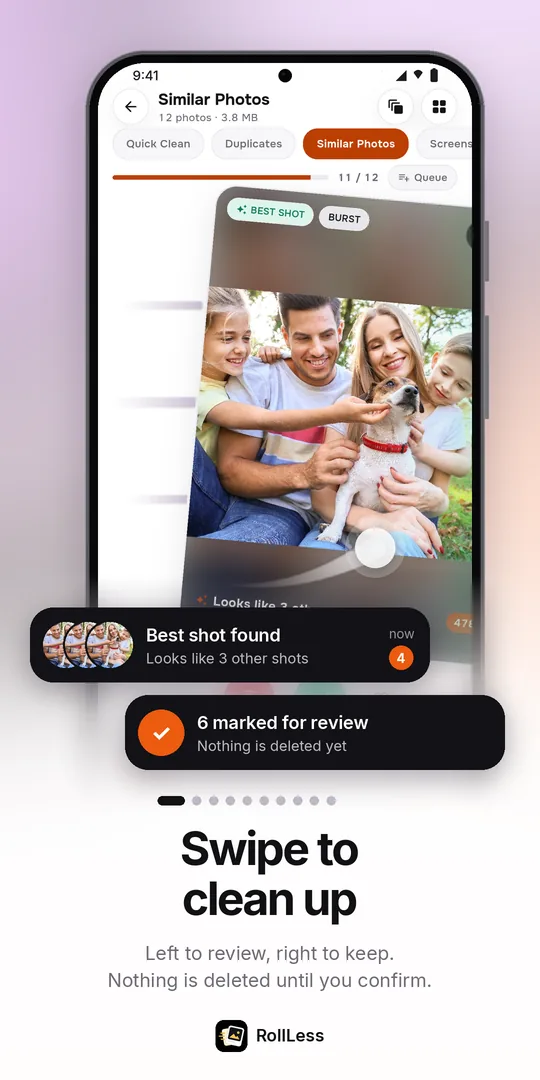
One photo at a time. Swipe left to mark it for review, right to keep it, up to favorite it. Undo brings the last card straight back.
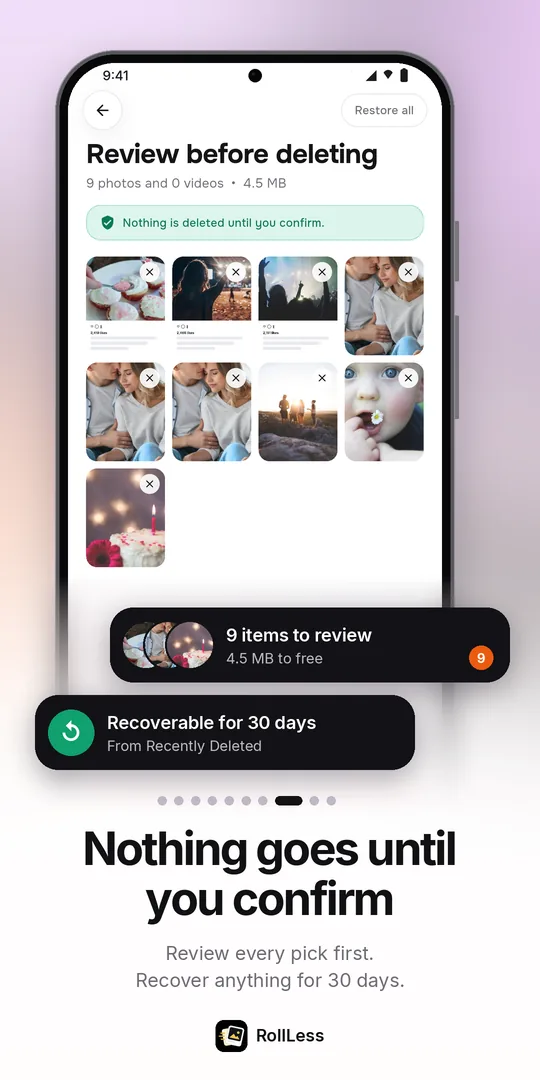
Review before anything is deleted
Everything you mark waits on a Review screen. Put back anything you want to keep, then confirm. On Android 11 and newer, deleted items go to your phone's trash for 30 days.
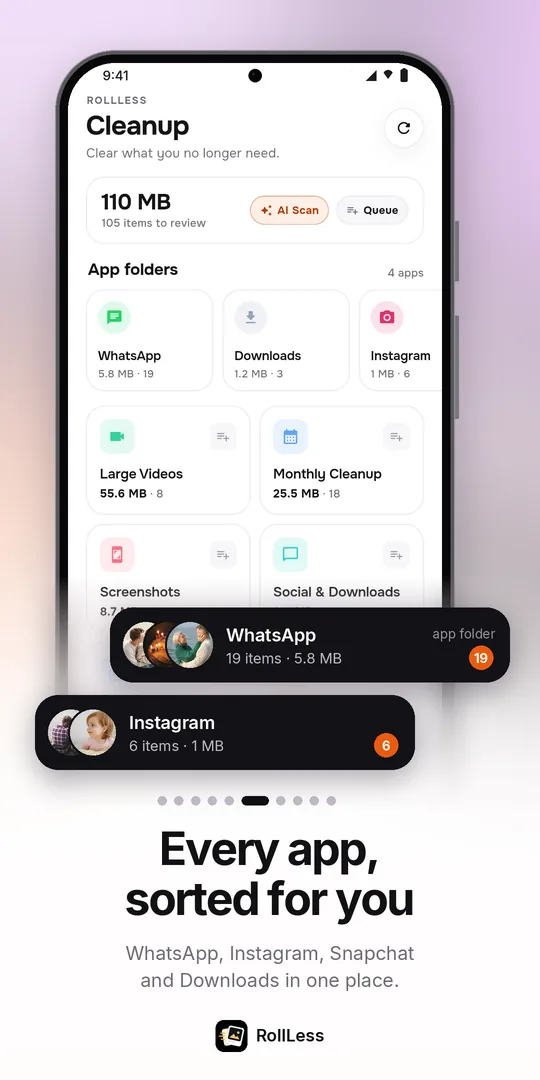
Finds the clutter for you
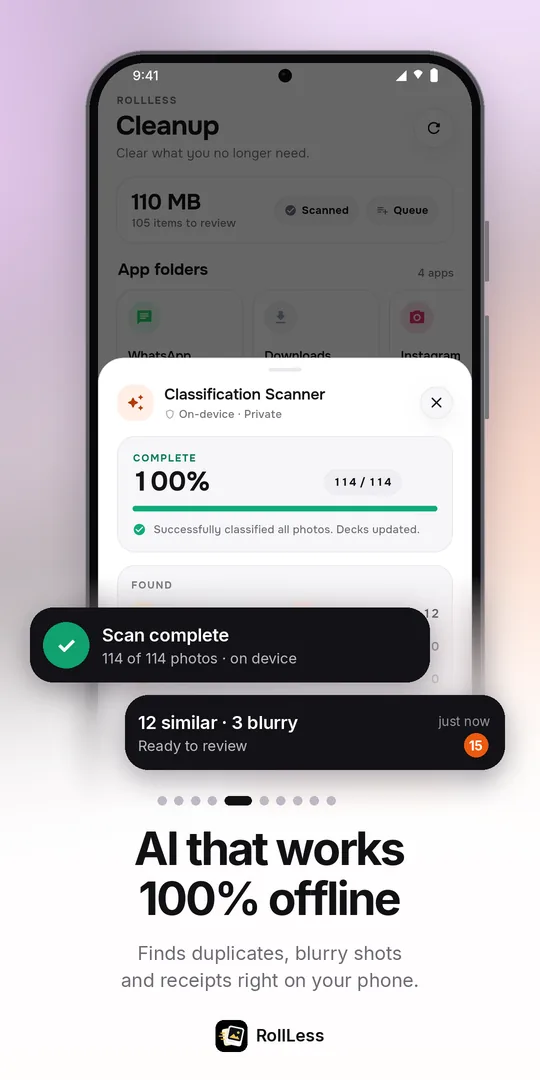
Duplicates, look-alikes, burst shots, screenshots, large videos, blurry and dark shots, receipts and media saved from chat apps.
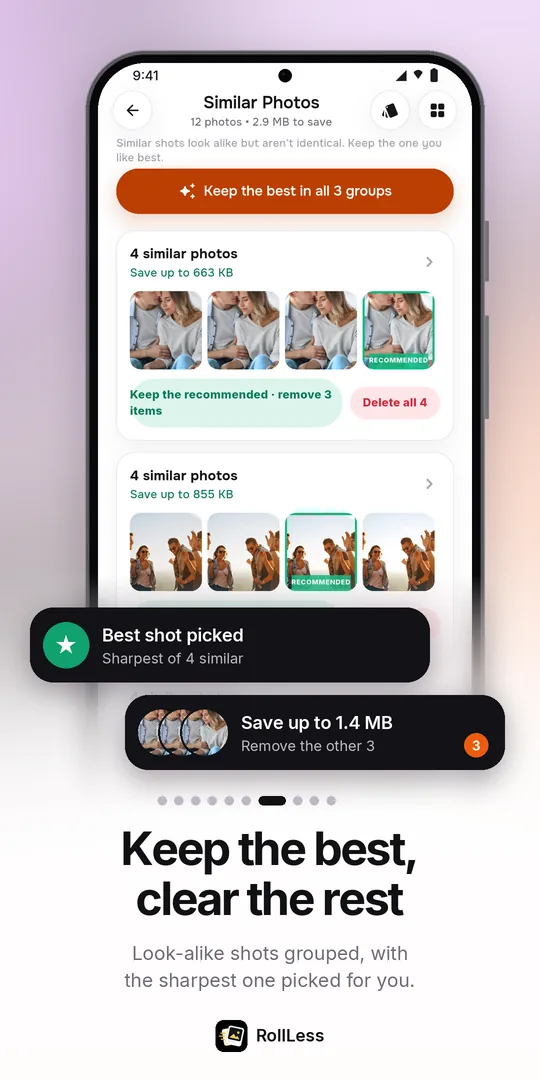
Keep the best, clear the rest
Look-alike shots are stacked together with the best one picked for you, and one tap keeps it.
Biggest files first
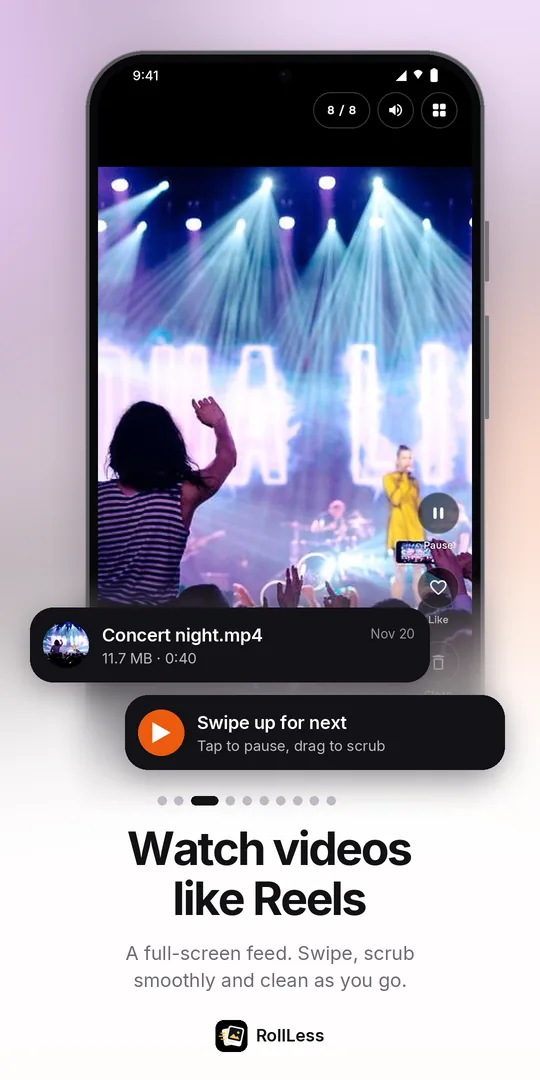
The Weight view sizes every tile by file size, so the large videos taking up your storage stand out.
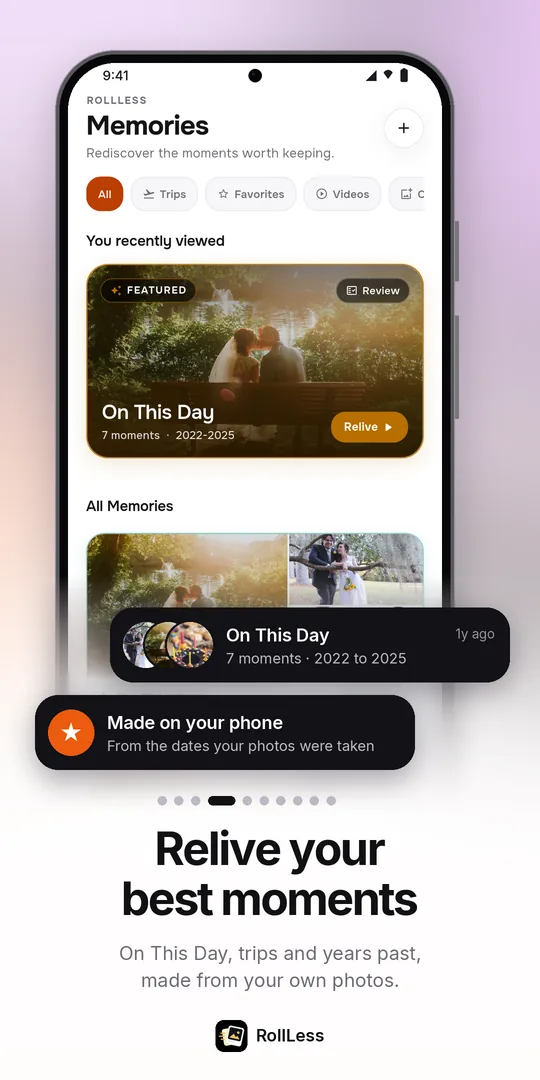
Relive your best moments
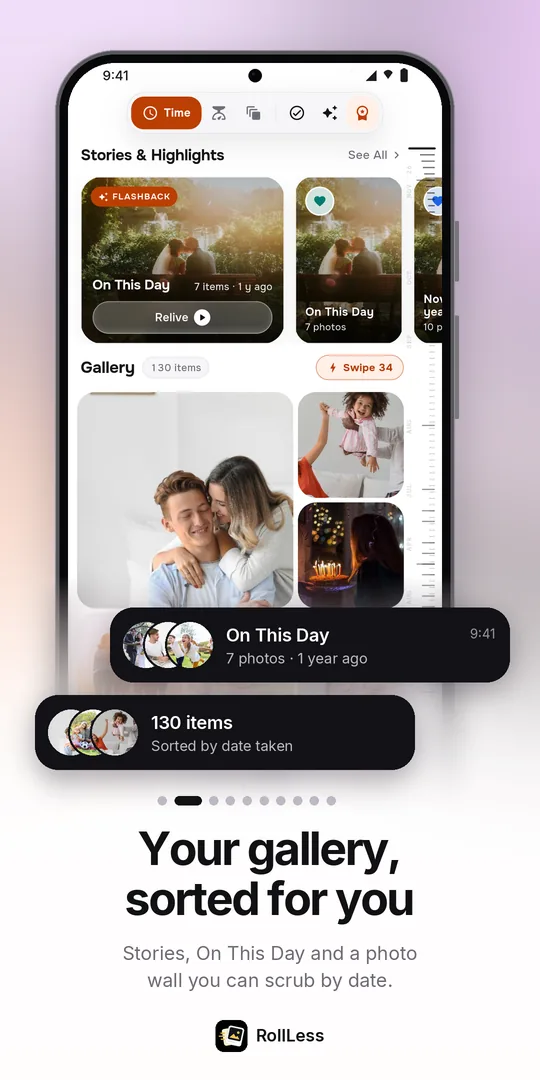
On This Day, trips and years past, built from the real dates your photos were taken.
private_by_design
Your photos stay on your phone
Duplicate, blur and receipt detection all run on your device. There is no account to create, nothing is uploaded, and the only data collected is anonymous crash reports.
// faq
RollLess questions
How do I delete duplicate photos on Android?
Open RollLess and use the Duplicates or Look-alikes tool. It groups matching shots, picks the best one and lets you clear the rest after a final review.
How can I free up space on my Android phone without losing photos I want?
Nothing is deleted while you swipe. Marked photos wait on a Review screen where you can put any of them back, and on Android 11 and newer deleted items stay in the phone's trash for 30 days.
Does RollLess upload my photos?
No. Duplicate, blur and receipt detection run on your phone and there is no account. The only data collected is anonymous crash reports.
// more_apps
More apps from Tregix
 QR scanner app for AndroidQR Scanner & Generator: Fast QR scanner, barcode reader, QR generator, history and easy sharing.
 Game booster for AndroidGame Booster: Floating FPS and ping HUD, custom crosshair overlay, network check and gaming DND.
 Open WhatsApp without saving the numberOpen Unsaved in Whatsapp: Chat with unsaved numbers, saved numbers and even yourself in WhatsApp.