// QR Scanner & Generator
QR scanner app and QR code generator
Point your camera at a QR code or barcode and it is read automatically. Open links, join Wi-Fi, call numbers or copy the result in one tap, create your own QR codes and keep a private history on your phone.
// features
Scan, create and share QR codes
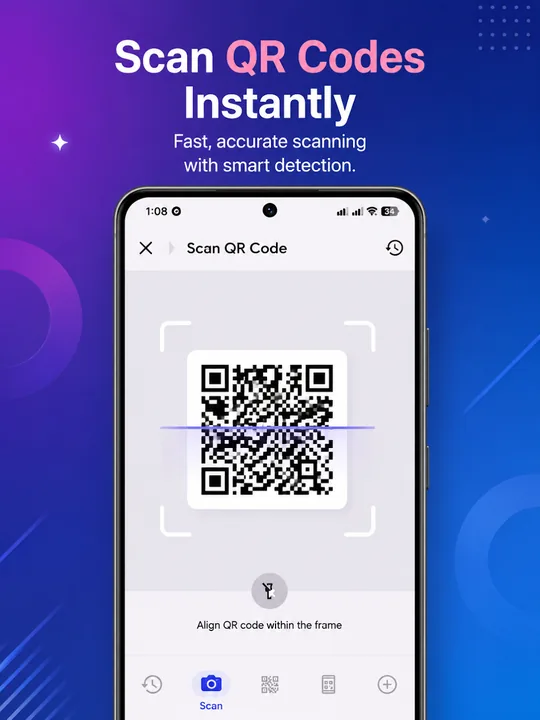
Fast QR and barcode scanning
Codes are detected automatically as soon as they are in the frame, including common product barcodes. Camera frames are processed in memory and never saved.
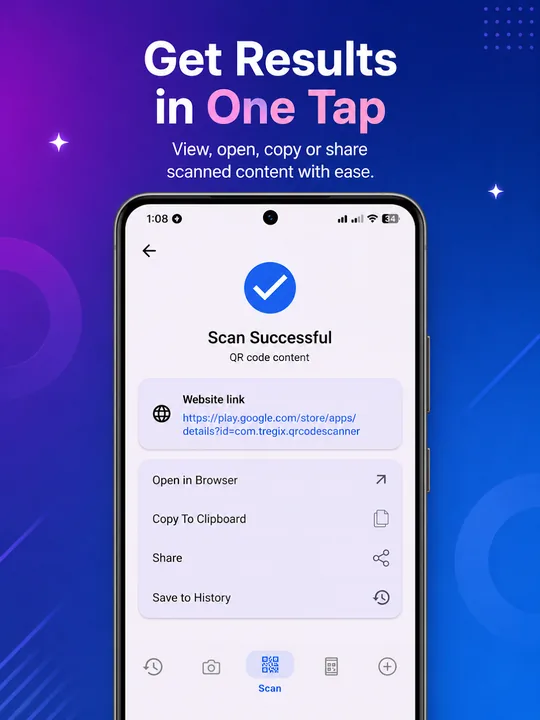
One-tap actions
Open websites, call phone numbers, send emails, join Wi-Fi, copy to the clipboard or share the result with any app.
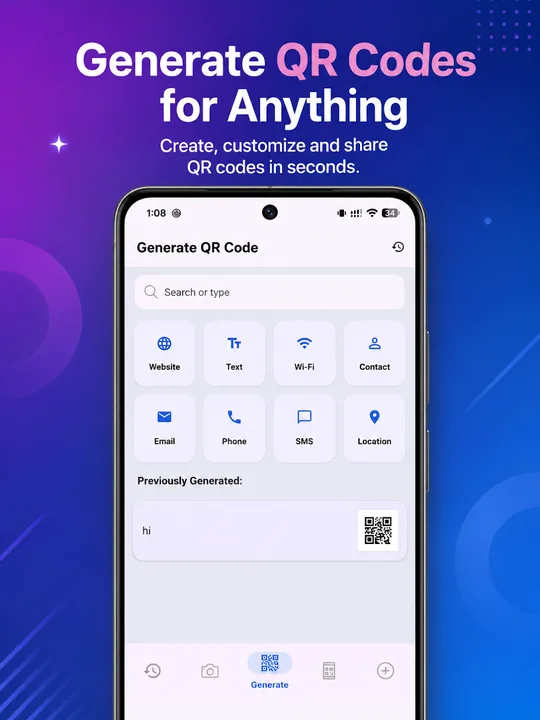
QR code generator
Create QR codes for links, text, contacts, phone numbers, emails, SMS, Wi-Fi, calendar events and locations, then save or share them.
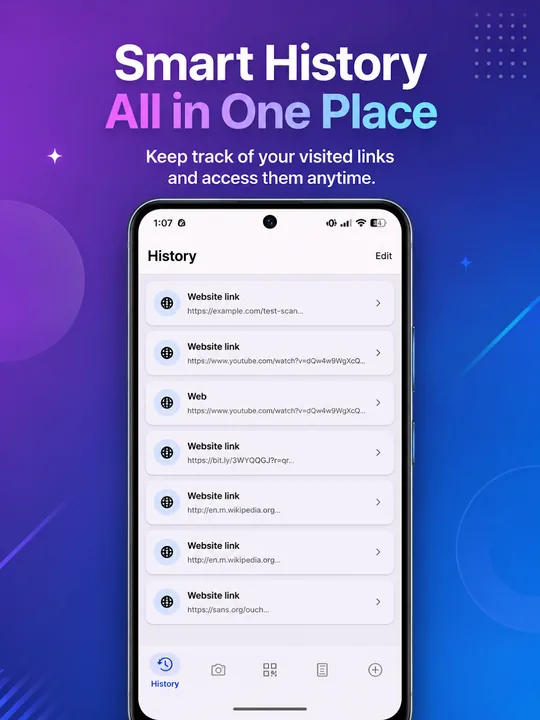
Scan history
Every scan and every code you create is saved in a history on your phone, so you can find a link again later.
Scan from a photo
Pick a picture from your gallery to read a QR code you can't point the camera at.
Private and ad-free
No ads, analytics or tracking, and no account. Your history is stored in an encrypted database on your device.
// faq
QR Scanner & Generator questions
How do I scan a QR code on Android?
Open the app and point your camera at the code. It is detected automatically and you can open, copy or share the result straight away.
Can I make a free QR code for Wi-Fi or a contact?
Yes. Choose Generate, pick Wi-Fi, Contact or another type, fill in the details and save or share your QR code.
Does it read barcodes too?
Yes. It scans common barcode formats as well as QR codes.
Does this QR scanner app have ads or tracking?
No. It has no advertising, analytics or tracking SDKs, and your scan history stays on your phone.
// more_apps
More apps from Tregix
 Open WhatsApp without saving the numberOpen Unsaved in Whatsapp: Chat with unsaved numbers, saved numbers and even yourself in WhatsApp.
 Swipe photo cleaner appRollLess: Swipe to free up space, privately on your phone.
 Universal TV remote appVolmote: Smart TV remote with Wi-Fi controls, app shortcuts, routines and sleep timers.